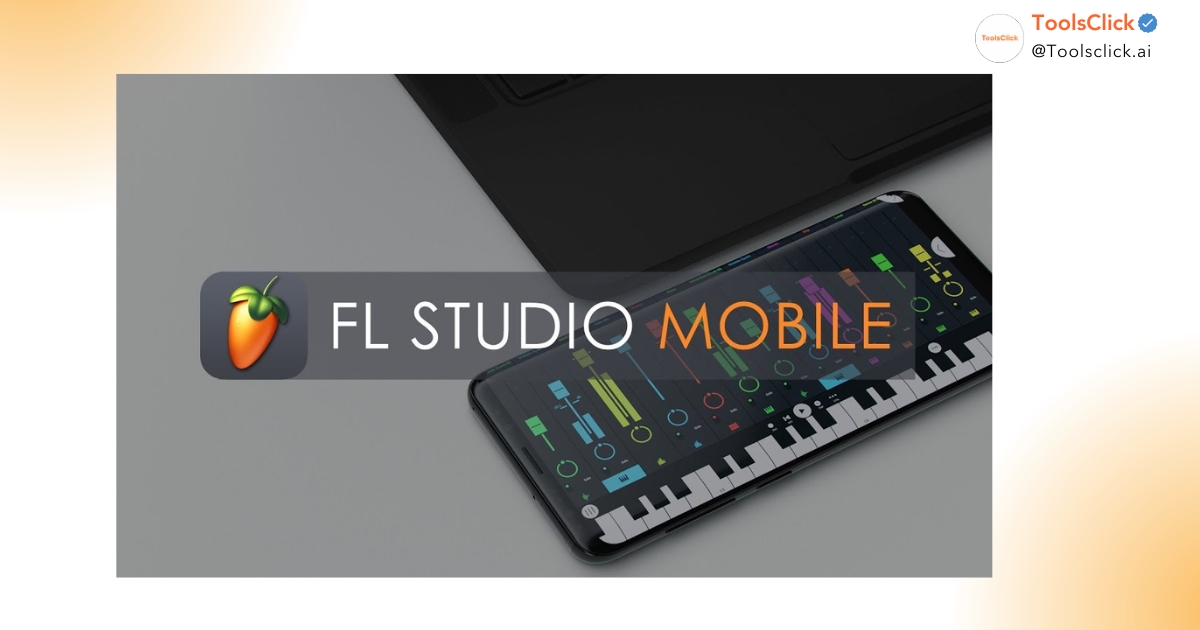

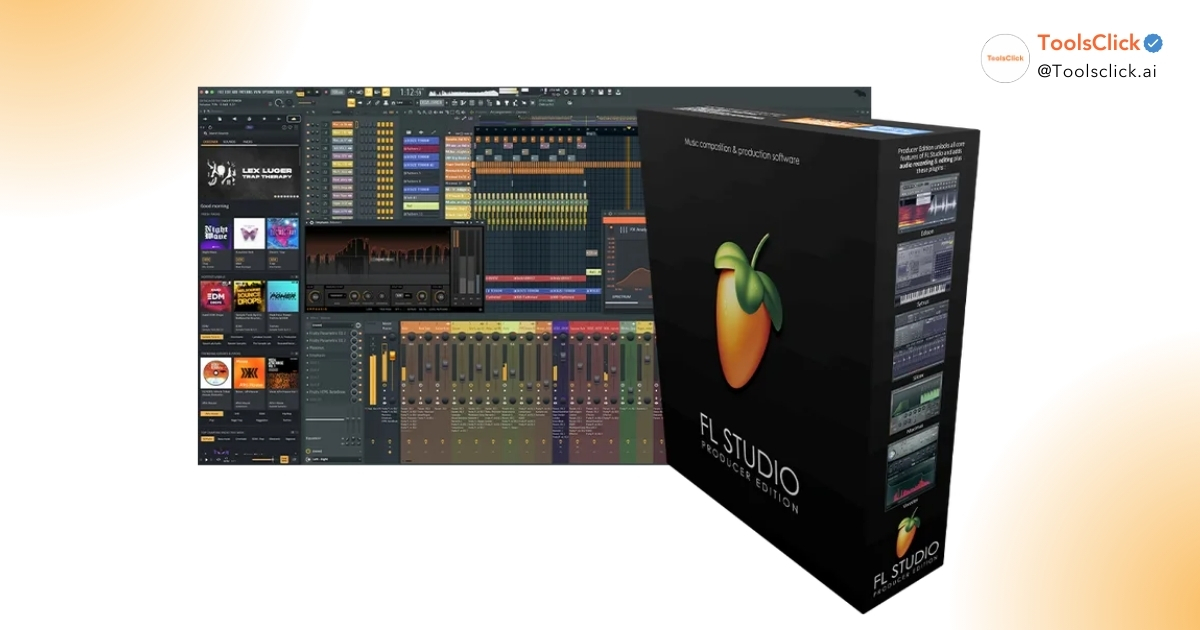
What is FL Studio? This is one Digital Audio Workstation (DAW) or professional music making software, helping you realize all musical ideas from composing, recording, mixing to mixing and mastering. With an intuitive interface and powerful toolkit, FL Studio is the top choice for both beginners and professional producers, the perfect launching pad for you to conquer the path of music production.
Are you a student or office worker with a burning passion for music? Do you want to create your own beats and melodies but don’t know where to start? This article is the most comprehensive answer for you, answering all your questions about FL Studio and outlining a clear roadmap for you to start your creative journey today.
What is FL Studio and what is it used for? Essentially, FL Studio is a comprehensive digital music production environment that turns your computer into a virtual recording studio. It provides all the tools you need to compose, arrange, record, edit, mix and master music of professional quality.
With FL Studio, you can make beats, create melodies with virtual instruments (Virtual Instruments), record real vocals or instruments, mix and match a complete song and finally “retouch” the product through mixing and mastering to get the best sound before exporting the file.
FL Studio has an interesting development history. This software was developed by Belgian programmer Didier Dambrin and first launched on December 18, 1997 with the name FruityLoops 1.0. Initially, it was just a simple 4-channel MIDI drum machine.
After more than 25 years of continuous development, from an “ugly duckling”, FruityLoops has “transformed” and was renamed FL Studio. It has become one of the most powerful and popular Digital Audio Workstations (DAWs) in the world, trusted by top producers such as Martin Garrix, Alan Walker and Avicii.
See more product details here: Buy cheap Fl Studio 2026 software
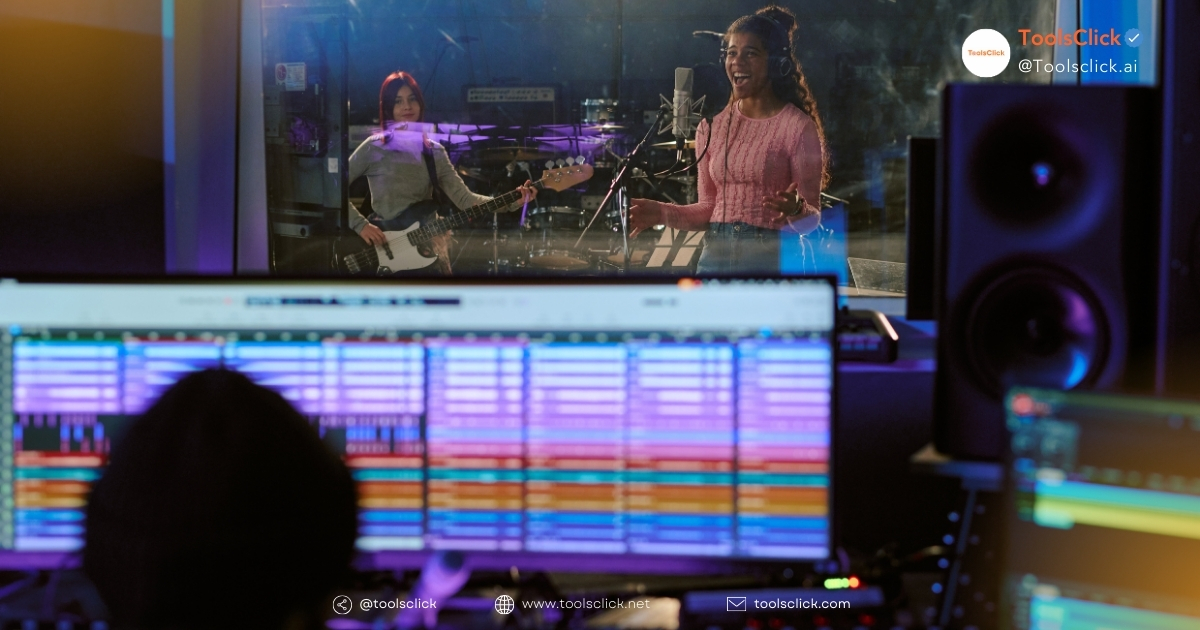
What is FL Studio used for? Although famous in the Hip-hop, Trap and EDM music production communities, FL Studio’s capabilities do not stop there. This is a versatile tool that can serve many different music creation purposes:
FL Studio is the ideal choice for an extremely diverse user base, especially those who are starting their musical journey.
If you are still wondering Should I use FL Studio?, the 5 reasons below will convince you that this is the smartest choice to start your music production career.
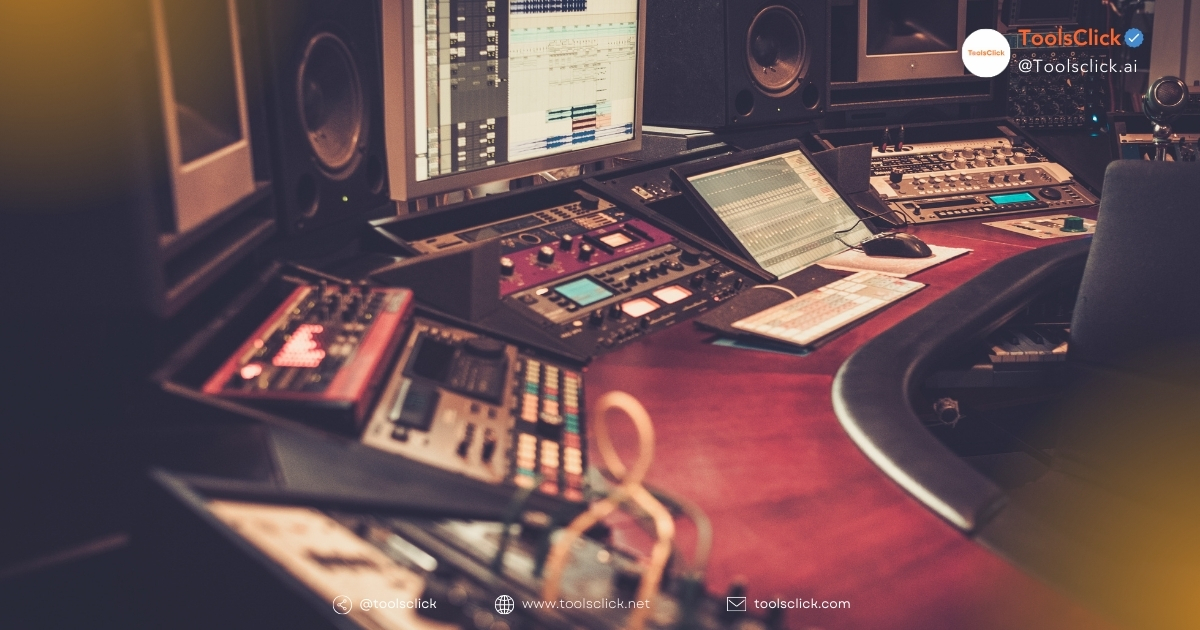
This is one of the biggest advantages of FL Studio. Compared to many other DAWs with complicated interfaces, FL Studio is designed so that users, even those who don’t know anything, can quickly get acquainted and start creating music. Main windows such as Channel Rack (Step Sequencer), Piano Roll, Playlist and Mixer are arranged logically, helping you easily grasp the workflow.
FL Studio is famous for its extremely effective pattern-based music making workflow.
This combination helps you quickly sketch and develop musical ideas, inspiring unlimited creativity.
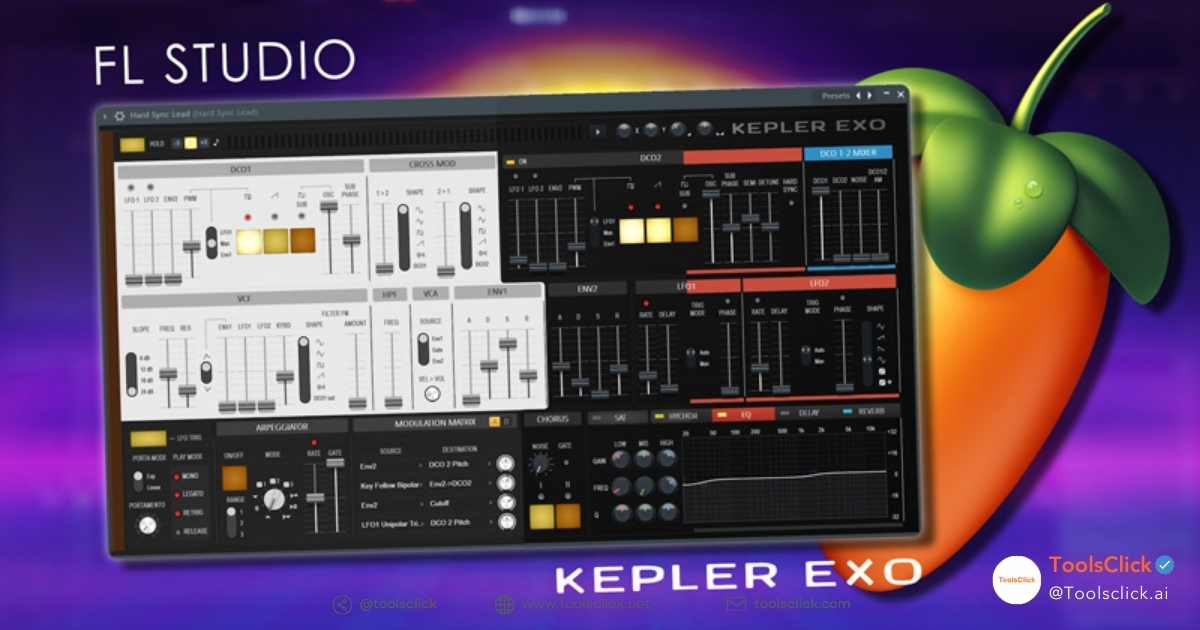
Even in the Producer version, FL Studio comes with more than 80 instruments and effect plugins (VST Plugin), enough for you to create a complete track. You will have everything from synthesizers, samplers, drum kits to professional mixing effects like EQ, Compressor, Reverb. This helps beginners save a significant amount of money compared to having to buy additional plugins from third parties.
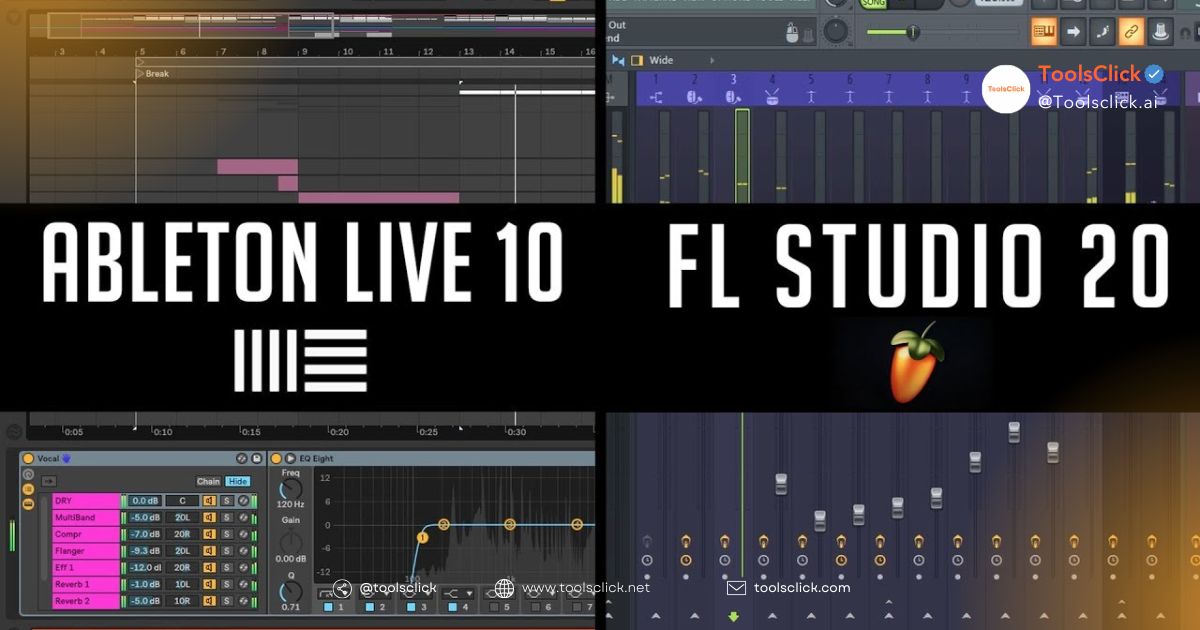
This is a classic question asked by many producers. FL Studio or Ableton which is better? The answer depends on your goals and working style.
| Criteria | FL Studio | Ableton Live |
| Strengths | Workflow for making beats and composing melodies quickly and intuitively. Flexible interface. | Perform live, get creative with samples and sound design. |
| Object | Beginner, Beatmaker, Producer Hip-hop/EDM. | Electronic music producer, DJ, live performer. |
| Difficulty level | More accessible for newcomers. | It takes time to get used to the Session View interface. |
Basically, if you’re focused on studio production, beat making, and want a quick workflow, FL Studio is the superior choice. On the contrary, if you aim to perform live music, Ableton Live will be a more suitable tool.
This is a “unique” policy of Image-Line, the company that develops FL Studio. When you purchase FL Studio once, you will receive all future updates for free. This is an extremely good investment, helping you always have access to the latest technology and features without any additional costs.
One of the biggest concerns of newbies is FL Studio software price. Let’s dig into the details about the versions and costs.
Is FL Studio free? The answer is not quite. Image-Line offers a very generous trial version. You can use this version forever with all the features and plugins of the premium version.
However, there is an important limitation: You cannot reopen saved projects. This means that every time you make music, you must complete and export the audio file immediately.
Additionally, “free” versions shared online are actually cracked versions. We at ToolsClick recommend that you absolutely do not use it because of potential risks such as viruses and malicious code that can steal data or damage your computer.
How much does FL Studio license cost? Image-Line offers 4 main versions with different prices and features to suit every need.
| Version | Reference price (at Image-Line) | Suitable subject | Main features |
| Fruity Edition | $99 | Beginner, just making beats and composing melodies. | There is no recording feature and cannot use Audio Clips. |
| Producer Edition | $199 | The best choice for most people. | Full support for recording, Audio Clips, and necessary mixing tools. |
| Signature Bundle | $299 | Professional producers need more advanced plugins. | There are additional plugins such as Gross Beat, NewTone (vocal correction). |
| All Plugins Edition | $499 | Studio, sound engineer need whole tools. | Includes all plugins developed by Image-Line. |
Understanding the cost barrier for students and newbies, ToolsClick delivers Buy FL Studio key copyright. This is a solution that helps you own genuine software at a much better price than buying directly, while ensuring absolute safety.
When Where to buy FL Studio copyright? reputable, ToolsClick is an option worth considering. We are committed to providing genuine license keys, allowing you to download software directly from the Image-Line homepage, saying no to the risks of cracked software. You will enjoy full benefits, including a lifetime free update policy.
Where to start self-studying FL Studio? Don’t worry, we will provide you with a clear and easy-to-understand roadmap.
Before installing, make sure your computer is responsive FL Studio run configuration minimum.
Which operating systems does FL Studio support? Currently, FL Studio supports both Windows and macOS, giving you flexibility in choosing your working device.
Install FL Studio for newbies very simple.
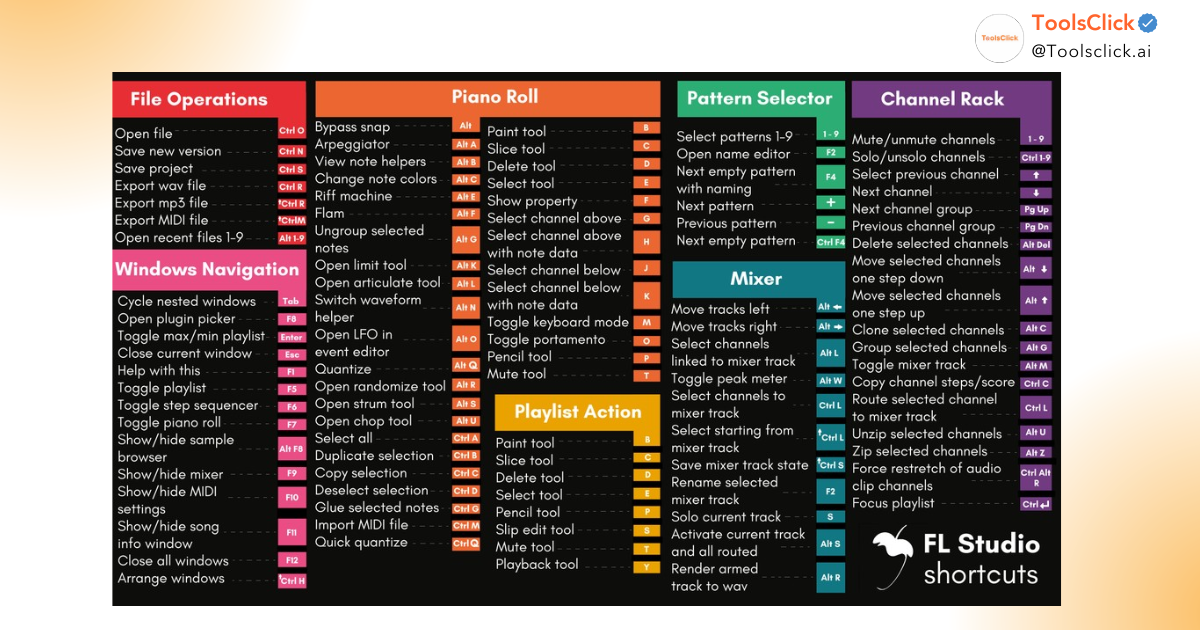
For starters How to make music with FL Studio, you need to clearly understand the following 5 main windows:
Here it is Instructions for using FL Studio for beginners step by step:
What is FL Studio Mobile? This is a shortened version of FL Studio, designed to run on mobile devices such as phones and tablets (Android, iOS). It allows you to create and save multichannel music projects right on your mobile device.
Although it is very convenient to sketch ideas anytime, anywhere, FL Studio Mobile does not have all the features and processing power like the PC version. It’s more suitable for making beats and quickly recording ideas than for producing a finished track at a professional level.
Is FL Studio difficult to learn? Compared to other DAWs, FL Studio is considered quite accessible for beginners thanks to its intuitive interface. However, “mastery” is a broad concept.
The most important thing is perseverance and passion. There are many free learning resources on YouTube for you to refer to.
Knowing music theory is not required to start using FL Studio, especially if you are only focused on making beats. FL Studio’s Piano Roll tool is very intuitive, allowing you to “draw” notes and experiment until it sounds right to your ear.
However, being equipped with basic music theory knowledge (about notes, chords, scales) will definitely help you compose faster, have deeper melodies and work much more effectively. It will be a great advantage on the path to becoming a professional producer.
In short, FL Studio is not only a music making software but also a comprehensive, powerful and inspiring music creation environment. With outstanding advantages in interface, features and reasonable cost through platforms like ToolsClick, this is the solid and smartest start for anyone passionate about music production, whether you are new or experienced.
Experience the power of FL Studio now with exclusive offers when purchasing at ToolsClick
to start your music creation journey today!
Contact us for advice:

Group buying website for tools
World's leading

Youtube ToolsClick
A guide from A to Z

Fanpage
Top quality

Group ToolsClick
Technical Support & Gifts

ToolsClick Software
Proprietary software