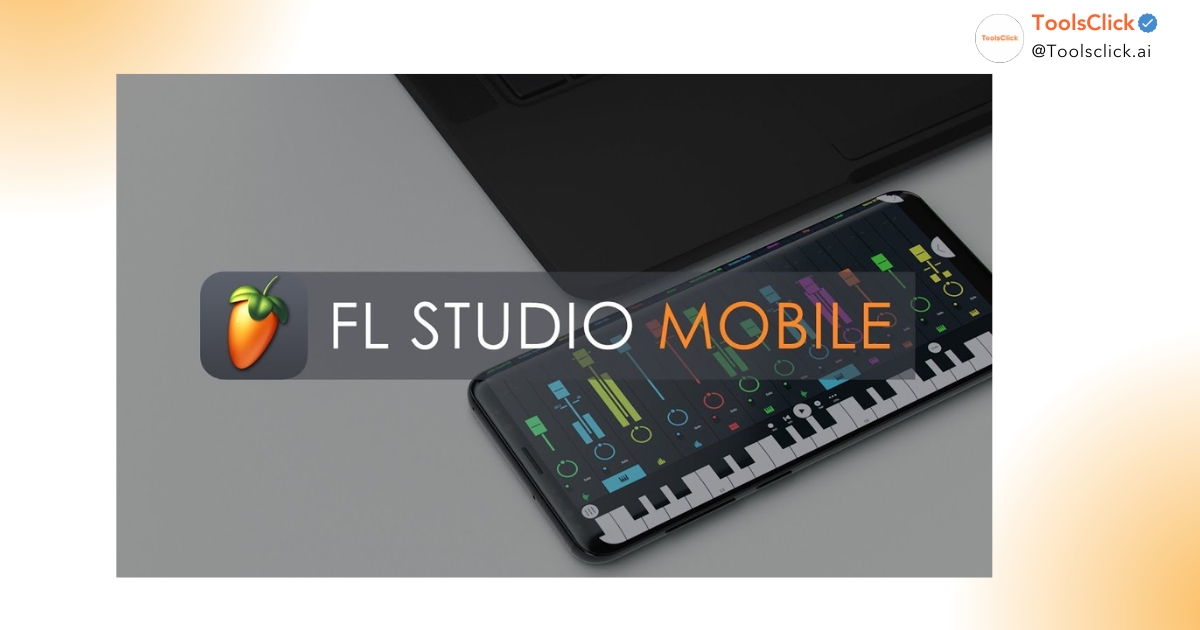

Choosing between FL Studio and Ableton Live is always a difficult problem for beginners, especially students and office workers. While FL Studio is famous for its intuitive interface and lifetime update policy, Ableton Live dominates thanks to its top-notch audio processing and live performance capabilities. This article will analyze 10 core criteria to help you find the perfect “companion” for your music production journey.
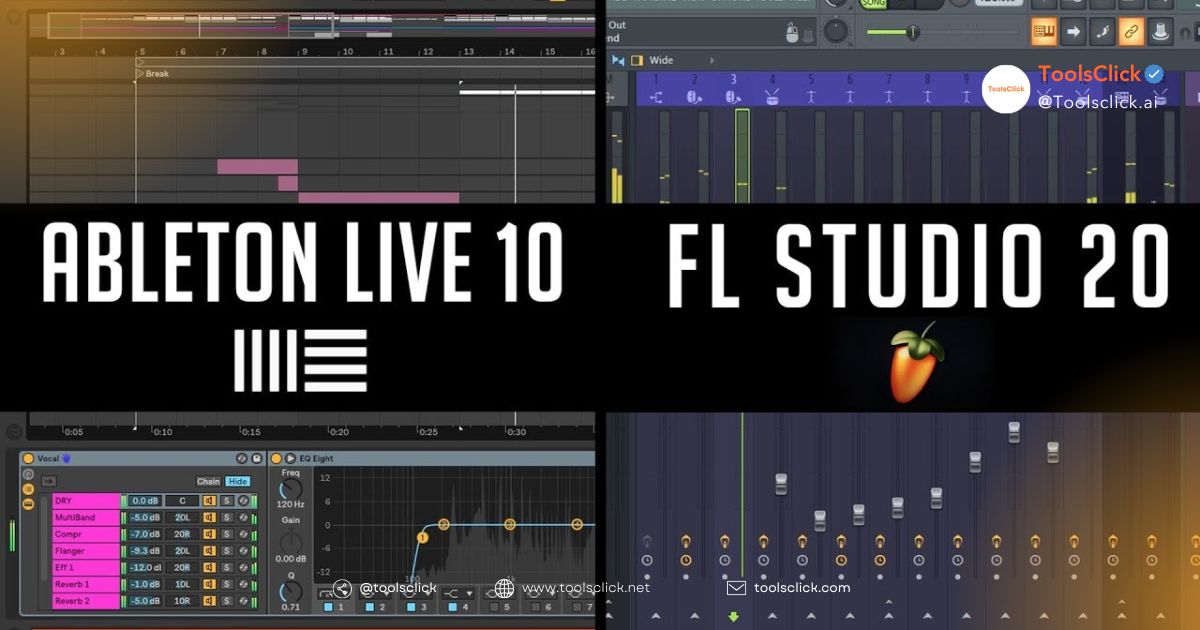
Below is a quick summary table to help you get an overview of the differences between the two most popular music making software (DAW) today.
| Criteria | FL Studio (Image-Line) | Ableton Live (Ableton) |
| Main workflow | Pattern/Loop (Step Sequencer) | Session View & Arrangement View |
| Interface | Multi-window, intuitive colors | Minimalist, unified one screen |
| Piano Roll | Top notch, supports extremely fast music composition | Professional, focused on performance |
| Audio Processing | Basically, many intermediate steps are needed | Excel with the Warping feature |
| Live performance | Basic support via Performance Mode | The gold standard for Live Performance |
| AI features | Powerful Stem Separation AI | AI supports sound suggestions (Sound Similarity) |
| Update | Free for life (Lifetime) | Pay for major versions |
| Operating system | Windows & macOS (Intel/Silicon) | Windows & macOS (Optimized M1-M4) |
| Community | Very large in Vietnam, many presets | Professional, many international courses |
| Price | Suitable for student budget | Higher investment, more in-depth |
See product price details FL Studio cheap and Ableton Live here
Comparing FL Studio and Ableton Live in terms of workflow shows that FL Studio is more about building short iterations (patterns), while Ableton Live focuses on testing non-linear ideas.
At ToolsClick, we find that students often love it Workflow of FL Studio because it allows creating a Beat quickly through Step Sequencer and Channel Rack. You just need to click to create a drum beat, then arrange these Patterns Playlist to create a complete song.
Opposite, Workflow Ableton vs FL there is a distinct difference when introduced by Ableton Live Session View. This is where you can throw in clips and play them randomly without worrying about chronological order. This is extremely helpful for the Music Producer want to look for new inspiration or try different arrangements before putting it in Arrangement View to perfect.
FL Studio’s user interface is highly customizable with multiple separate windows, while Ableton Live keeps everything neatly within a single frame.
If you are new to music, FL Studio’s interface may overwhelm you at first because there are too many windows (Mixer, Playlist, Channel Rack, Piano Roll) that can be moved freely. However, this variety of colors helps users easily distinguish virtual instruments and sound effects.
Meanwhile, Ableton Live has a flat, minimalist design style. Everything from filters to effects to instruments is located at the bottom of the screen. This helps office workers – who are used to being tidy – feel more comfortable and focus more on composing instead of engrossed in arranging software windows.
FL Studio’s Piano Roll is considered the best mouse music composing tool in the world today thanks to its smart music theory support features.
When asking questions FL Studio or Ableton Live is better for beat production, the answer usually leans towards FL Studio thanks to Piano Roll. Features like Ghost Notes (blurry display of notes of other tracks), Stamp Tool (create chords quickly) and the ability to slide notes (Slide) extremely smoothly make making EDM music with Ableton or FL different.
Ableton Live 12 has also improved Piano Roll greatly with features such as Probability and Velocity Lane, but to achieve the “happiness” when drawing notes like FL Studio, it still takes more time. If you don’t know much about Basic music theory, FL Studio’s Piano Roll will be an extremely effective teacher to support you.

Ableton Live completely excels in audio recording and sound processing thanks to the famous Warping algorithm.
If your goal is recording Real vocals or instruments, we recommend you consider Learn Ableton or FL Studio. In Ableton, recording and editing audio is extremely intuitive. Features Comping allows you to record multiple times and select the best segments to combine into a perfect recording.
In particular, ability Sound Design on Ableton is powered by the Warp feature, which allows you to stretch a sample to match the rhythm of the song without magically changing the pitch (or vice versa). FL Studio can also do it, but the process is often more complicated and requires a lot of work Edison or NewTone.
FL Studio offers a vast library of Plugins, while Ableton focuses on deep customization and creative toolsets.
When you Upgrade FL Studio All Plugins Bundle, you will own legends like Sytrus, Harmor nice Gross Beat. These are VST Powerful, ready for all genres of music from Pop to Dubstep. The Vst plugins are compatible with FL Studio also very diverse, there is almost no limit to your creativity.
With Ableton Live Suite, you get a set of tools Max for Live – a “universe” of devices developed by the community. Virtual instruments such as Wavetable nice Operator Ableton has a simple appearance but its ability to deeply intervene in sound is extremely remarkable. If you love creating your own “unique” sounds, Ableton Live is a choice not to be missed.
Ableton Live was born for the stage, while FL Studio is mainly focused on the studio environment.
As the name “Live”, this software is the industry standard for live performances. From top DJs to rock bands, they use Ableton to trigger music, background tracks and control lighting. Ability to connect with MIDI Keyboard and controllers like Ableton Push Turn this software into a real musical instrument.
FL Studio also has it Performance Mode, but it feels more like an additional feature than a core feature. So, if you have a dream of becoming a performer on the big stage, getting acquainted with Ableton from the beginning is a strategic move.
FL Studio 24 (latest version as of 2026) is leading the AI race with its built-in Stem Separation feature.
One of the reasons why many people choose Buy cheap FL Studio license Currently is the ability to separate music (Stem Separation). With just one click, you can extract vocals, drums, bass and other instruments from any MP3 file. This is extremely useful for making Remix or learning how to arrange famous songs.
Ableton Live 12 is no less competitive when it comes to integrating AI into Sound Similarity Search, helping you save hours of searching through your huge Sample library.
Which music making software is easiest to learn between FL Studio and Ableton Live? The answer depends on your mindset: FL Studio is easy to get started, but Ableton Live is easy to manage in the long run.
For students and busy office workers, FL Studio gives the feeling of “playing and learning at the same time”. You can create sounds immediately without too many settings. However, when the project becomes larger with hundreds of tracks, FL Studio easily confuses you because of its free structure.
Ableton Live has a slightly steeper initial learning “slope”. You need to understand how audio signals move (Signal Flow) and how to manage Clips. But once mastered, Ableton’s workflow will help you work extremely scientifically and professionally, very suitable for those who want to follow the path Music Producer serious.
Both DAWs are cross-platform, but Ableton Live currently has a slight edge in stability on macOS.
Based on our customer support experience at ToolsClick, we’ve noticed Configure your computer to run Ableton Live 12 Great optimization for Apple Silicon chips. If you own a MacBook M1, M2, M3 or the latest M4, Ableton Live will provide extremely smooth performance, rarely experiencing lag when handling heavy projects.
FL Studio also has very good copyright support for macOS, but its origin from Windows sometimes still causes it to have a few minor interface errors on Mac. However, on the Windows operating system, FL Studio is still a “monster” in terms of performance.
Here’s the biggest difference: FL Studio updates are free for life, while Ableton Live requires paid upgrades for major versions.
Investing in a license not only helps you use full features but also protects your computer from viruses from cracked versions. At ToolsClick, we provide cost-effective solutions for both of these software.
This is the “golden” choice for those who want to save. When you purchase this package, you will receive:
Ableton Live usually costs more, but the value it brings is completely worth it:
With a limited budget, students need a “buy once, use forever” software. FL Studio’s intuitive interface helps you quickly create vibrant Beat EDM, Hip-hop or Trap tracks to share on SoundCloud or YouTube. The large user community also makes it easy to find Basic FL Studio course for beginners free of charge.
For office workers or working people, the stability and logical workflow of Ableton Live is a big plus. If you intend to be serious about it Mixing, Mastering or want to perform Live, Ableton Live 12 Suite is a worthy investment. It helps the workflow become much more professional and streamlined.
To avoid interruption of creative inspiration, you should equip a computer with the following configuration:
| Accessory | Minimum configuration | Recommended configuration (Recommended) |
| CPU | Intel Core i5 / Ryzen 5 | Intel Core i7, i9 / Apple M2, M3, M4 |
| RAM | 8GB | 16GB – 32GB |
| Hard drive | 100GB free SSD | 512GB SSD or more |
| Sound | Integrated soundcard | Audio Interface specialized (Focusrite, Apollo…) |
Related articles: What is FL Studio and why should you start now?
In Vietnam, there are many reputable communities and training centers. You can search for keywords like “Learn to make music online” to find suitable courses. In addition, joining Facebook Groups such as “FL Studio Vietnam Community” or “Ableton Live Vietnam” will help you quickly answer your questions.
We always recommend that users download the installer directly from:
Using the official installer helps you avoid malicious code, ensure system stability and receive the best technical support from the company.
See more details How to install Fl Studio copyright from A-Z
In short, FL Studio is the optimal choice in terms of cost and convenience for students thanks to its lifetime update policy and easy-to-learn interface. Opposite, Ableton Live 12 delivers professional performance and limitless sound customization for those who want to get ahead in the music industry. No matter which DAW you choose, perseverance and musical thinking are the factors that determine your success.
In ToolsClick, we are always ready to accompany you on the path to conquering sound. Don’t let tool barriers slow down your passion.
Are you ready to get started? Message now to receive advice on upgrading FL Studio All Plugins Bundle or buy genuine Key Ableton Live 12 Suite at the most preferential price today! We are committed to installation support and lifetime warranty for all copyrighted products provided.

Group buying website for tools
World's leading

Youtube ToolsClick
A guide from A to Z

Fanpage
Top quality

Group ToolsClick
Technical Support & Gifts

ToolsClick Software
Proprietary software