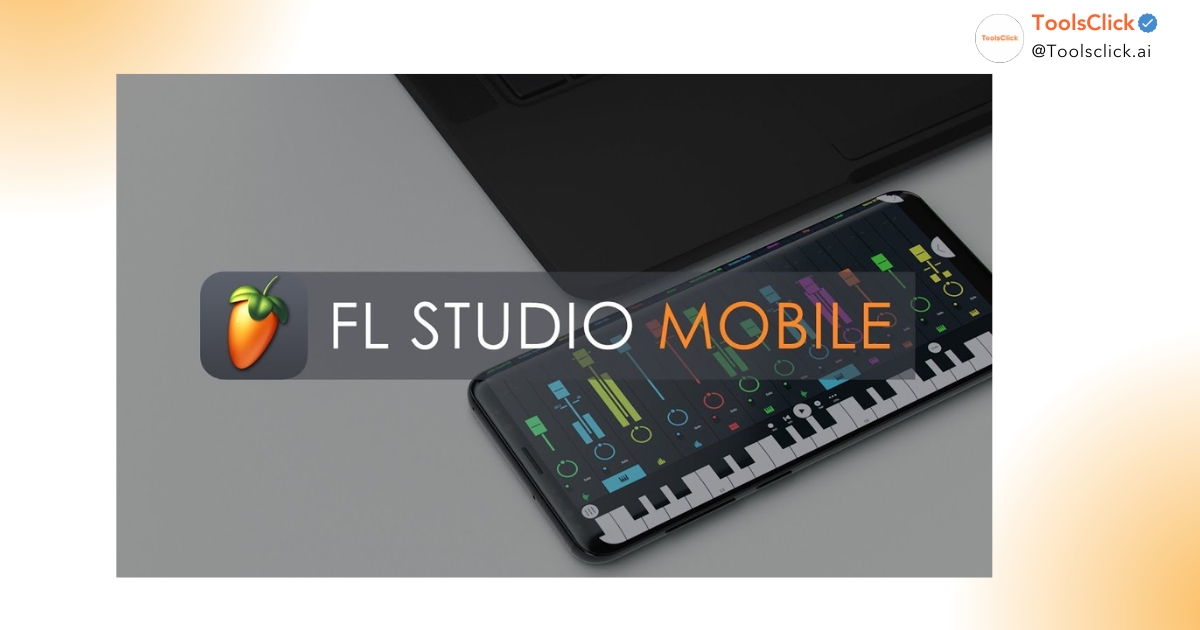

Are you looking for quality audio tools that don’t cost a dime? This article immediately summarizes the Top 10 best free VSTs of 2026 specifically for beginners, helping you build a huge musical arsenal from powerful Synthesizer to professional Mix/Master effects. Explore our list of Plugins that are perfectly compatible with FL Studio to start your music production journey.
This list includes the most powerful music production tools today, from virtual instruments (VST Instrument) to audio processing effects (VST Effect), completely free but providing quality on par with expensive paid software.
In ToolsClick, we understand that starting the journey music production It can be overwhelming with so many options. To help you save time and money, we have carefully screened these Free music making software for beginners based on criteria: ease of use, large support community and high stability in the DAW as popular as FL Studio, Ableton Live, nice Cubase.
Below is a quick overview of the types What is VST plugin and its types Popular in this list:
| Plugin name | Plugin Type | Main purpose of use |
| Vital | VST Instrument (Synth) | Making EDM music, Sound Design |
| Spitfire Audio LABS | VST Instrument (Sampler) | Lo-fi, Cinematic, Acoustic music |
| Valhalla Supermassive | VST Effect (Reverb/Delay) | Create a large sound space |
| TDR Nova | VST Effect (Dynamic EQ) | Mix music, intelligent frequency processing |
| Xfer OTT | VST Effect (Compressor) | Modern audio compression for EDM/Pop |
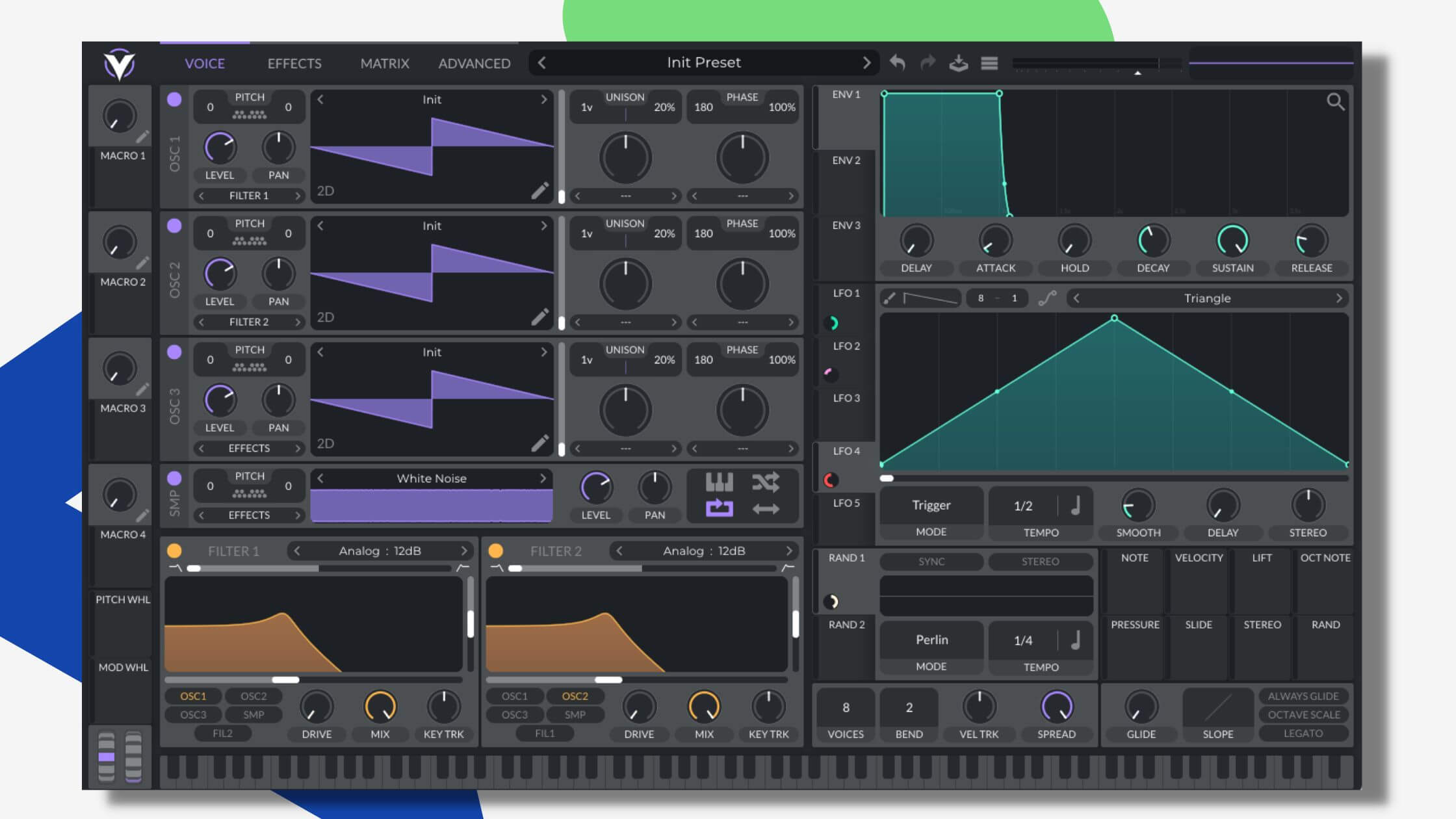
Vital is a powerful Wavetable Synthesizer with an intuitive, considered interface Serum alternative free best now for the producer. producer.
If you are looking for one Best Vst synth 2026 but don’t want to spend hundreds of dollars, Vital is the answer. With the free version, you already have access to almost all of its core features. Vital’s strength is its ability to visually display sound fluctuations, making it easy for newcomers to understand sound design work.
We found Vital to be extremely suitable for creating growling Bass and sharp Lead sounds in the music EDM music making plugin. Modulation capabilities with simple drag and drop help you create complex sound movements in just a few mouse clicks. This is the top choice for those who want it download VST free high quality as an alternative to expensive paid synths.
Spitfire Audio LABS is a continuously updated free virtual instrument software project, providing sounds from Piano, String to ethnic instruments with extremely high realism.
For enthusiasts Vst for Lo-fi Hip Hop or soundtrack (Cinematic), LABS is an endless treasure. Each instrument in this library was recorded by experts in London, giving it a “live” and soulful feel that is rare. top VST instruments for free Who can do it?
LABS’s interface is as minimalist as possible, with just a few sliders to adjust the reverberation and tone of the sound. This is extremely suitable for student or office worker don’t want to spend too much time on complicated technical tweaks. Just choose a preset like “Soft Piano” or “Strings” and start creating right away.

Valhalla Supermassive is one Free VST reverb delay specializes in creating huge sound spaces, from short echoes to endless ranges of sound.
In work mix music, space is a factor that determines emotions. Supermassive uses complex feedback algorithms to create effects that you would normally have to pay a lot of money to get. This is Effect plugin for FL Studio Most loved for its ability to turn a simple sound into a shimmering pad or a vast space.
In ToolsClick, we often recommend that beginners use Supermassive to learn how to control the width (Width) and depth (Depth) of the mix. With many different modes, you can experiment from the classic Echo effect to the most modern Reverb styles today.

TDR Nova is a parallel equalizer, integrating Dynamic Compression, helping to control frequencies with absolute precision.
Unlike conventional EQs, TDR Nova allows you to process frequencies only when they exceed a certain threshold. This is a powerful tool in the job recording and mix vocal FL Studio, helps eliminate harsh “s” sounds or buzzing low frequencies without affecting the overall quality of the voice.
TDR Nova’s interface is very professional and easy to understand. For newbies, this is the perfect stepping stone to familiarize yourself with the concept Dynamic EQ – an advanced technique that makes your mixes cleaner and clearer.

Xfer OTT is an extremely powerful Multiband Compressor, creating the characteristic sound colors of modern Dubstep and EDM music.
If you wonder why the music of famous producers sounds thick, bright and energetic, the answer often lies in OTT. This plugin helps push the small details in the sound higher, creating instant power. This is the one top free VST effects “legend” that anyone who makes electronic music must own.
However, be careful when using OTT. We recommend starting with the “Depth” knob low (about 10-20%) to avoid crushing the sound. Once you’ve mastered it, OTT will be the secret weapon that will help your beat stand out even more.

Monster Piano is one Free Piano Set Extremely lightweight but delivers extremely realistic sound with many different colors from classic to modern.
The search for a good Piano sound in the Free beat making software is often quite difficult because they often take up a large amount of space. Monster Piano solves this problem by optimizing capacity while preserving detailed velocity layers.
This plugin provides many presets such as “Grand Piano”, “Upright”, or even pre-processed Piano sounds for Pop music. This is a great choice for those who are just starting to learn music theory and want an inspiring sound to compose.

MFreeformAnalogEq is an EQ plugin that allows you to directly draw the desired frequency curve, providing maximum freedom in tonal adjustment.
In process mix vocal FL Studio, sometimes you need flexible adjustments that traditional EQs cannot provide. This plugin belongs to Full set of free Plugins by MeldaProduction – a company famous for its high-tech audio processing tools.
Using MFreeformAnalogEq helps beginners better understand the relationship between frequency bands and sound perception. It also has a built-in spectrum analyzer that helps you “see” what you’re listening to, thereby making more accurate music mixing decisions.

Analog Obsession is a collection of Vst 64 bit free emulate legendary hardware devices such as Neve compressors, SSL EQs or classic Preamps.
Digital sound is sometimes too “clean” and dry. To add warmth, thickness (Saturation) and musicality (Musicality), Analog Obsession plugins are an irreplaceable choice. They help your mix feel like it was done in one home studio Professional with equipment worth tens of thousands of dollars.
We appreciate this developer’s sharing spirit. You can find everything from Compressor, Distortion arrive Saturation with a classic interface. This is the best way for beginners to get acquainted with Analog sound color without spending money.

Surge XT is an extremely complex and powerful Hybrid Synthesizer, providing almost limitless sound creation possibilities.
If Vital is strong in Wavetable, then Surge XT is a “multi-purpose knife” with many sound synthesis methods such as FM, Physical Modeling, and Subtractive. This is one Best Vst synth 2026 For those who like to tinker and explore the world sound design.
Surge XT comes with thousands of quality presets from the community, giving you instant professional sounds for every genre of music. While the interface may seem a bit confusing at first, once you get the hang of it, you won’t need any other paid synths.

Voxengo Span is a frequency spectrum analyzer (FFT spectrum analyzer) plugin that gives you precise control over the balance of your mix.
Making music not only with your ears but also with your eyes, especially when your listening environment (speakers, headphones) is not done correctly. Span helps you compare your mix with reference tracks to know if you are lacking Bass or excess Treble.
This is a “bed pillow” tool in the process music master. In ToolsClick, we always emphasize: “You can’t fix what you can’t see”. Span is the eyes that help you see through all problems in audio frequencies.

Knowing How to install VST plugin for free Correct way will help you avoid system errors and optimize your computer workflow.
To install new plugins FL Studio 2026, please follow these steps:
See more: The Most Detailed Instructions for Installing Fl Studio From A – Z
Error FL Studio does not accept Plugin Usually occurs due to wrong format (32bit on Windows 64bit) or wrong installation path. To fix:
Job Manage Plugins in FL Studio Good music will help you find sounds faster when you’re inspired to compose.
For smooth use Top 10 free VSTs As mentioned above, owning a stable DAW software and suitable computer configuration is a prerequisite.
Modern music production requires multi-threaded processing power and large amounts of RAM to load virtual instrument libraries. We recommend the following configuration:
See more: Top 7 Computers that Run Fl Studio Smoothly for Students and Office Workers
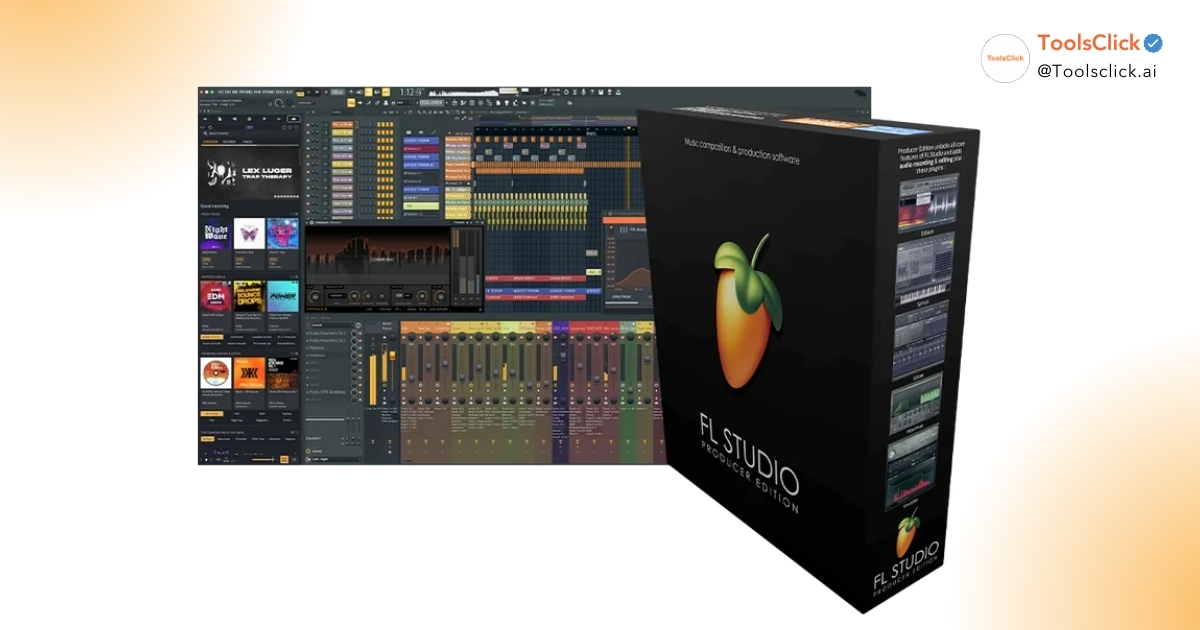
In ToolsClick, we provide proprietary solutions FL Studio copyright Genuine with the most optimal price for Vietnamese people. When choosing a package FL Studio Producer Edition (most recommended version), you will get:
FL Studio 2026 strongly integrates artificial intelligence, with outstanding features Stem Separation AI. This feature allows you to split a complete song into separate tracks (Vocals, Drums, Bass, Instruments) in just a few seconds.
This is extremely useful for studying, making remixes or taking vocals to make new mixes. With a lifetime update policy, you’ll always be the first to experience the latest audio technology at no extra cost.
Absolutely possible. Many Plugins in the list like Vital nice TDR Nova has sound quality and features comparable to, or even superior to, some paid competitors. Developers often provide free versions to build a community or promote their brand, so the core quality is still guaranteed at a professional level.
FL Studio has built-in tools Wrappers allows you to run 32-bit plugins on 64-bit platforms. However, this can consume more CPU resources and sometimes lead to software crashes. In 2026, we encourage you to prioritize your search for versions 64-bit VST or VST3 for absolute stability.
This error is usually because you have not added the correct folder path containing the Plugin to FL Studio’s manager. Come in Options -> Manage plugins, check that the installation directory (usually C:Program FilesCommon FilesVST3) is already in the “Plugin search paths” list. Then don’t forget to press “Find installed plugins” to refresh the list.
Installing (storing) plugins only takes up hard drive space. However, if you open too many heavy plugins in the same project, RAM and CPU will be overloaded, causing lag. At ToolsClick, we recommend filtering out a lean “weapons kit” of about 10-20 of your most favorite plugins to optimize your workflow.
Most free VSTs, after installation and activation (if any), can be used Offline. However, some libraries like Spitfire Audio LABS Internet will be needed to download new sound sets. The new AI features in FL Studio 2026 (such as Stem Separation) will work best when there is a stable network connection.
Conclude:
Possession Top 10 free VSTs This is the perfect stepping stone for you to start your music production journey. From Vital’s powerful synth sounds to Voxengo Span’s precise analysis, you’ve got the tools to create hits at home. However, to fully exploit the power of these Plugins, a stable DAW software such as FL Studio copyright With full AI features and lifetime updates, it’s the smartest investment. Equip yourself with these great tools to make all your musical ideas come true.
Contact now ToolsClick to receive genuine and copyrighted FL Studio activation code Splice Creator 200 Credits gift monopoly! We are proud to be a provider of premium software purchase packages at the best prices in Vietnam, accompanying your music passion.

Group buying website for tools
World's leading

Youtube ToolsClick
A guide from A to Z

Fanpage
Top quality

Group ToolsClick
Technical Support & Gifts

ToolsClick Software
Proprietary software