




Do you want to code faster, with fewer bugs, and spend time on complex logic instead of typing boring commands over and over again? Do you want a Senior Developer sitting right next to you, suggesting code (Autocomplete) in real time and explaining any questions right in the IDE? That’s exactly what GitHub Copilot does. But instead of spending $100/year, why not choose the solution of Buying a cheap but GENUINE GitHub Copilot account at ToolsClick? Upgrade directly from your GitHub account, keeping all commit history intact and completely secure!
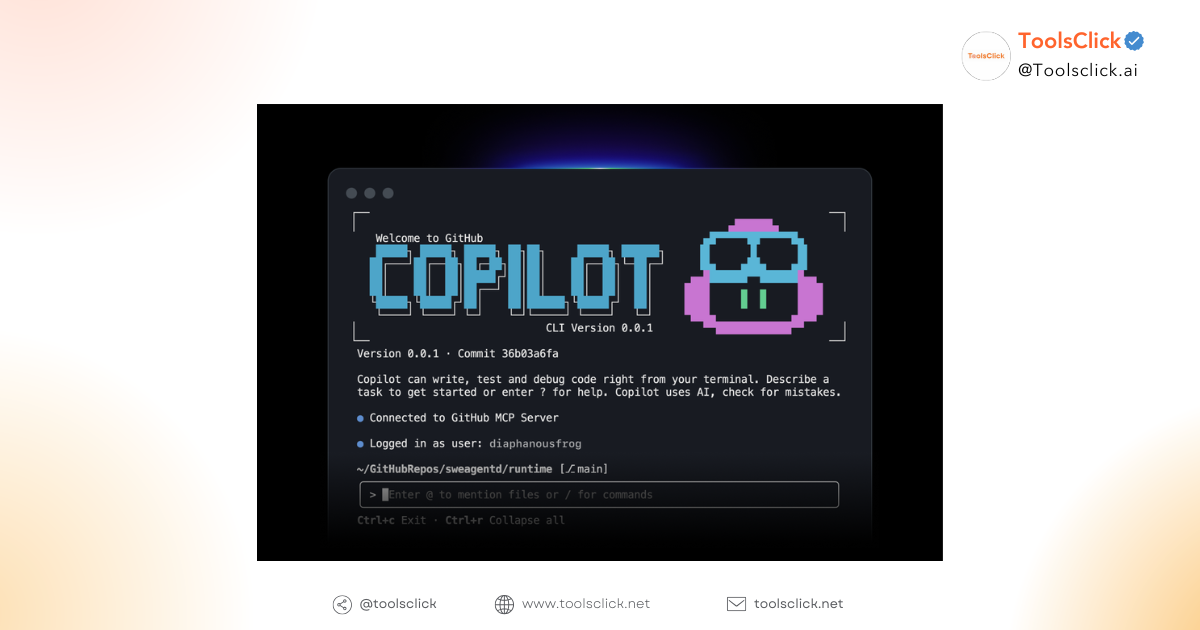
GitHub Copilot Not just a regular code suggestion tool. Powered by OpenAI Codex (a GPT-4 model trained on billions of lines of code), it understands the context of your project and suggests entire functions or logical code in a snap.
The market has many types of low-cost but high-risk accounts. At ToolsClick, we are committed to:
Main Account: Upgrade directly on your personal Email/GitHub Account.
Do not share: This is a Private account, GitHub Copilot Pro account your own. No one else can access it.
Safe Source Code: Because it is the owner’s account, your project’s source code is secured according to GitHub’s policy, without worrying about being leaked like using a crack tool.
As you type code, Copilot will display suggested code (Ghost text) in gray. You just need to press Tab to accept. It supports most popular languages: Python, JavaScript, TypeScript, Ruby, Go, C#, C++…
Same as ChatGPT Plus, but deeply integrated into the IDE (VS Code, JetBrains…).
You can highlight the code and ask: “Why explain this passage?” or “Find the bug in this function, help me”.
Ask AI to write Unit Test automatically.
Refactor (Optimize) the code to make it neater and cleaner.
Cheap GitHub Copilot at ToolsClick works smoothly on the most popular IDEs:
Visual Studio Code (VS Code) & Visual Studio.
JetBrains IDEs (IntelliJ IDEA, PyCharm, WebStorm, PhpStorm…).
Neovim & Vim.
Azure Data Studio.
The process is extremely simple and transparent:
Step 1: Order packages Buy a GitHub Copilot account on the ToolsClick website.
Step 2: Provide your GitHub account email (or we will send an Invite Link at any time).
Step 3: Accept the invitation to join the organization or activate the genuine License.
Step 4: Open the IDE, log in to GitHub, and enjoy the power of AI.
Full-time warranty: 1 year package with 12 month warranty.
1-1 support: If the account loses connection (very rarely happens with genuine products), we will fix or replace it immediately.
1. DO I NEED TO CREATE A NEW GITHUB ACCOUNT?
Reply: No need. We upgrade right from your existing GitHub account. You still keep the green dots (Contribution graph) and the old Repositories.
2. WILL MY SOURCE CODE BE EXPOSED?
Reply: Are not. You use GitHub’s official service, all data is secured according to Microsoft/GitHub’s Privacy Policy standards. ToolsClick does not have access to your code.
3. WHAT IS THE DIFFERENCE FROM COPILOT BUSINESS/ENTERPRISE?
Reply: The package we provide has full features of the Individual/Business version, ensuring the best speed and rate limit for professional programming needs.
In the AI era, don’t let yourself fall behind just because you type code slower than others. Equip yourself with the most powerful “virtual assistant” to breakthrough productivity.
Own it now Official GitHub Copilot Pro Account – Cheap, Safe, Stable only available at ToolsClick.
🚀 CODE FASTER – SMARTER TODAY! 👉 [Upgrade Official GitHub Copilot Pro Here]
To optimize Dev workflow, you should combine Copilot with the toolkit JetBrains Full Pack (best IDE) and Gemini Ultral (to brainstorm software architecture ideas) is also at a great price at ToolsClick!
 Github Copilot Pro

Sorry, no reviews match your current selections


Group buying website for tools
World's leading

Youtube ToolsClick
A guide from A to Z

Fanpage
Top quality

Group ToolsClick
Technical Support & Gifts

ToolsClick Software
Proprietary software














Reviews
There are no reviews yet